360 Degree [Flux & Kontext]
360HDR.safetensors LORA / Flux.1 D
- Model Name
- 360 Degree [Flux & Kontext]
- Version
- DEV
- Creator
- denrakeiw
- Size
- 1.28 GB
- Downloads
- 6,812
- Trigger
- 360HDRseamless
- BTIH
- 71700190CF1BC97439E4B957B3B397797654D0FD
- BTMH
- D4DBB36A1DFED4DA712CC403D1ABAFC2E19D69DA1087D13E4D8E7034AF710703
- SHA256
- 99B9D290CFDFB5CF366C4556343FEA859AD7FC4A437BFA8B720BE43B8FC6827B
- Upload Date
- about a year ago
- Uploader
- CivitasBay.org
- Status
- Not currently seeded — request it0 Seeders0 Peers
Trained with OSTRIS AI-Toolkit @ runpod.io
Flux Klein:
Seamfix LoRa:
Comfyui 360 Workflow
Seamless 360° Image Generation with Flux Klein
One year after my first experiments generating 360-degree images with Flux, I'm now taking a fresh approach using the klein 9b model. The results have improved significantly compared to my earlier attempts.
To achieve truly seamless 360° images, I trained a second LoRA specifically designed to support seamless inpainting. This additional LoRA helps repair the seams that typically appear where the image wraps around, ensuring a smooth transition across the entire panorama.
With this comfryui workflow—Flux Klein 360 Lora plus the seamfix LoRA—it's now possible to generate mostly seamless 360-degree images consistently.
Flux Kontext:
Comfyui Workflow:
Transform any input image into immersive 360-degree panoramic views with this specialized LoRA model.
Model Description
This Kontext LoRA has been specifically trained to convert regular input images into full 360-degree panoramic representations. The model leverages advanced training techniques to understand spatial relationships and generate contextually appropriate wraparound imagery.
Training Details
Dataset: Custom before/after image pairs showcasing the transformation from standard images to 360-degree panoramas
Training Framework: Ostris AI Toolkit
Model Type: Kontext LoRA for Flux
Purpose: Image-to-360° panorama conversion
Usage Notes
Base Quality: The raw output without upscaling may appear less refined
Recommended Enhancement: Use tiled diffusion upscaling for significantly improved results
Workflow: A complete ComfyUI workflow for creating seamless 360-degree images will be uploaded soon
Applications
Perfect for creating immersive content, virtual environments, VR experiences, and panoramic artwork from standard input images.
----------------------------------------------------------------------------------------------------
Flux Version:
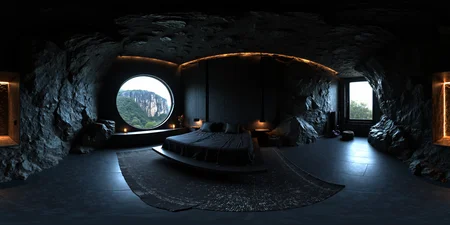
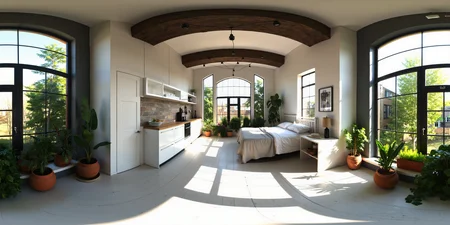
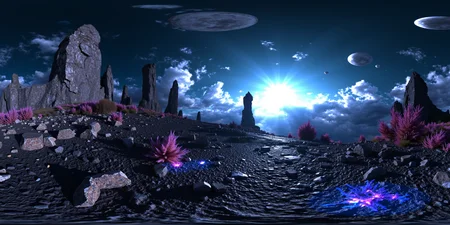
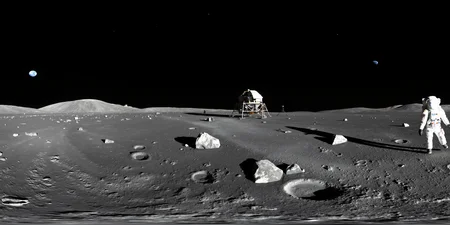
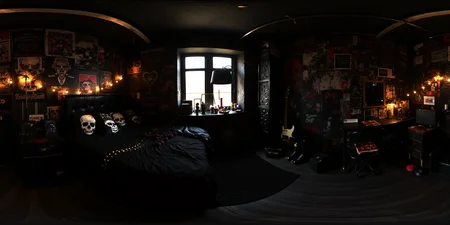
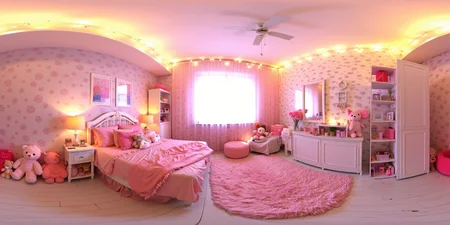
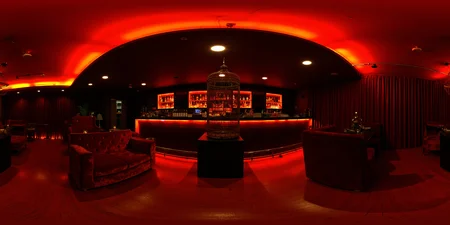
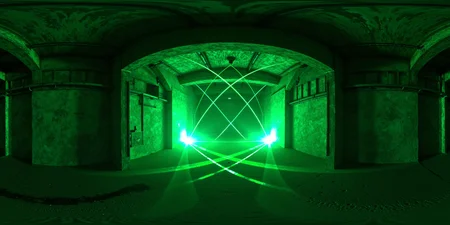
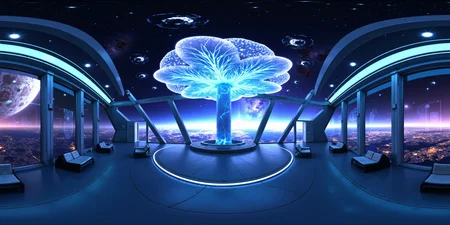
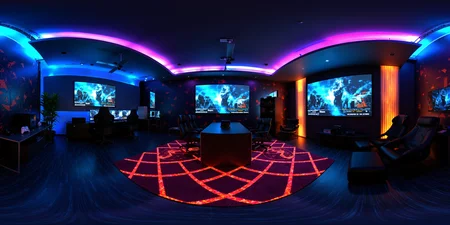
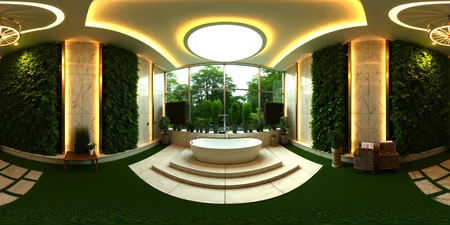
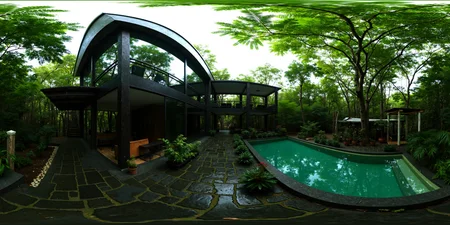
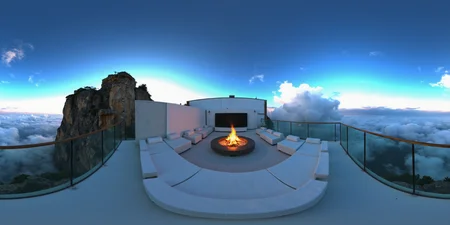
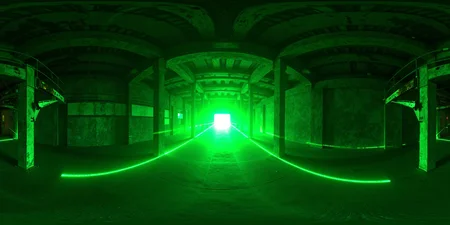
The LoRA can create 360-degree panoramic images, and there is a high probability that the textures at the edges will be seamless.
However, as is often the case with AI-generated images, it doesn't always work perfectly.
But it works ;)
Here’s a tip for creating the images:
Choose a 2:1 format, such as 1536x768 pixels, for the first sampler. Then, use the Ultimate Upscaler to do a 2x or 4x upscaling. This should help maintain quality while generating 360-degree panoramic images.
The 'SCHNELL' version is trained with Rank 64 and SCHNELL as a Base Model, making it a bit more resource-efficient. 'Dev' offers the best image quality with Rank 128, but if speed is the priority, 'SCHNELL' is ideal.

- udp://tracker.opentrackr.org:1337/announce
- udp://open.demonii.com:1337/announce
- udp://open.stealth.si:80/announce
- udp://tracker.torrent.eu.org:451/announce
- udp://tracker.qu.ax:6969/announce
- udp://tracker.bittor.pw:1337/announce